Upload Documents From Lectures to Make Flashcards: Post-Lecture Workflow
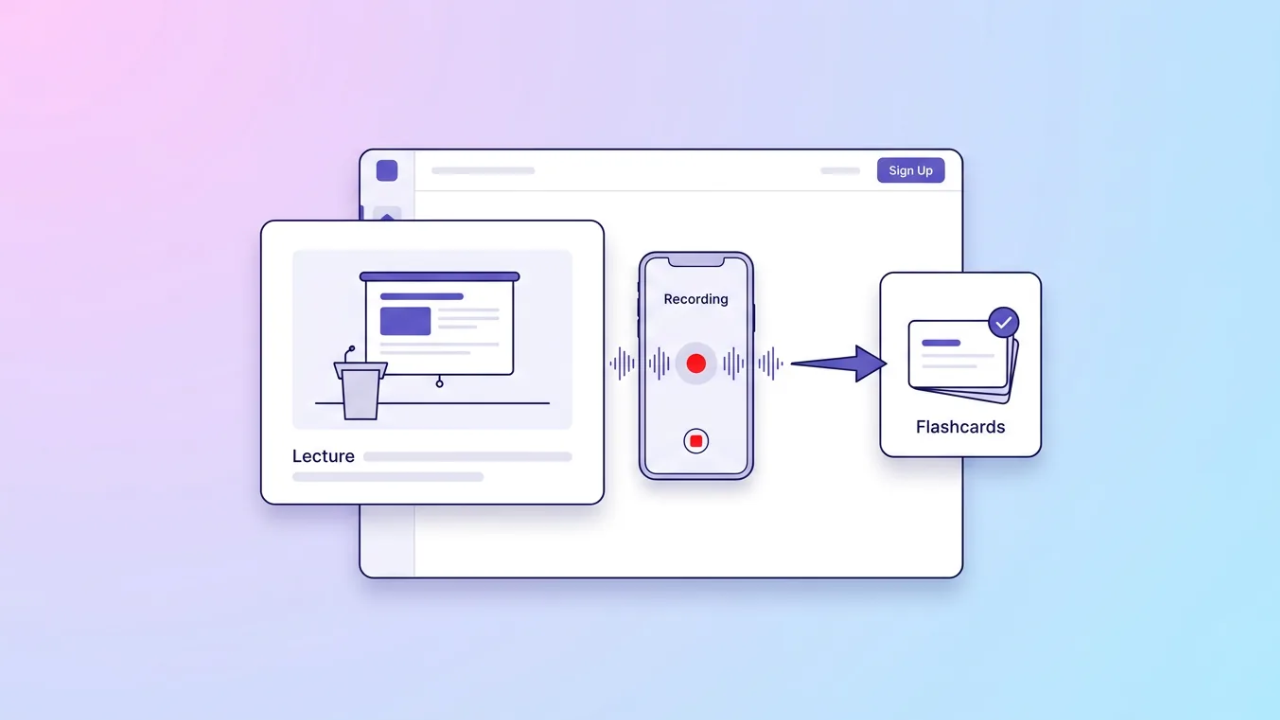
To upload documents from lectures and get flashcards and quizzes, start with the files you already have: slides, readings, and typed notes. Adobe Acrobat’s flashcard maker accepts lecture slides, PDFs, readings, and notes up to 100MB and 600 pages, builds flashcards, and links to quizzes, with no sign-up or credit card needed to start.
A lecture leaves several files behind: the slide deck, a reading or two, your own notes, and sometimes a recording. Each one can feed an AI study tool, but they need different handling, and the best results come from combining them. How Small Animal Hospitals Support This article sorts lecture materials by type, compares what several tools accept, and gives a short workflow to run after each lecture so the cards and quizzes stay current.
It also covers what to check before you trust a card. Details come from each tool’s own pages where possible and from review pages where noted. Plans and limits change, so confirm them before you rely on one. Start with the lecture you find hardest.
| Lecture material | Typical file | Tools that list it |
| Slides | PPTX or PDF | Adobe Acrobat flashcard maker, Quizlet, Knowt, Gemini Notebook |
| Readings and notes | PDF, DOCX, typed text | Adobe Acrobat flashcard maker, Quizlet, Gemini Notebook |
| Photos of notes | Image | Knowt lists images; check others |
| Recording | Audio or video | Knowt, Quizlet, RemNote, Gizmo |
| Online lecture | Link | Gemini Notebook, Gizmo |
Features and Upload Options: PDF, Slides, Audio, and How an AI Study Tool Handles Each
Documents and slides are the easy cases. Adobe Acrobat’s flashcard maker lists lecture slides, readings, and notes, and Quizlet accepts PDF, PowerPoint, and Word files. Slides are short, so cards from them can be thin, and pairing them with the reading helps. Audio is harder. Knowt’s help center lists video or audio files and live recording, Quizlet accepts recorded audio, RemNote offers lecture recording with transcripts, and Gizmo’s Magic Import takes recordings and YouTube links, according to one review. Cards from audio depend on how well the speech is transcribed, so read the transcript and fix names and terms. Gemini Notebook’s help page lists audio and YouTube sources on mobile. Record only when your instructor allows it, and keep a text copy of what you uploaded. Prices and caps can change at any time. Test a short clip first to see how well it transcribes.
Does Your AI Study App Support Multiple File Formats and Generate Flashcards and Quizzes From a Whole Lecture?
Several can, if you add the pieces together. Gemini Notebook lets free users include up to 50 sources in a notebook and generates flashcards and quizzes from them. Adobe Acrobat’s page says you can upload multiple files and keep a separate set for each class, chapter, or unit. Knowt’s older AI flashcard page lists up to 30 files in one upload. For one lecture, add the slides, the reading, your notes, and the transcript, name them with the lecture date, and generate one set. Then read every card, delete duplicates, and check dates and definitions against the slides. Keep one set per lecture so you can review them on a schedule instead of in one long session. Prices change, so check each plan before you rely on it. Label each file with the lecture number. Ask the tool to focus on the lecture’s main topics.
Frequently Asked Questions
When should I upload after a lecture?
Soon, while the lecture is fresh, so you can fix errors and add what the instructor said aloud. A same-day or next-day pass works well. Then space your reviews, because Cepeda and colleagues found the best gap between sessions grows with how long you need to remember the material, so review again after a few days and again after a week or two. Put the upload on your calendar right after the lecture. Keep the first review short. Reread the slides while you review. Use a short checklist.
Can I record lectures to upload them?
Only if your instructor and school allow it. Many courses require permission, and some ban recording altogether. Ask first, keep any recording private, and consider using the slides and your own notes if you cannot record. If you upload a recording, check the transcript, because errors in names and terms become errors in your cards. If you cannot record, take typed notes and upload those. Never share a recording of classmates. Delete recordings when the course ends.
Should I upload slides before or after the lecture?
Both can help, for different reasons. Before the lecture, slides give you a preview of the topics. After the lecture, slides plus your own notes show what the instructor emphasized. For flashcards, the after-lecture upload usually works better because your notes fill in the explanations that slides leave out. Mark which cards came from the slides and which from your notes. That tells you which source to check when a card looks wrong. Retest cards you miss.


